Wedding guest list Excel template, free
If you'd rather work in a spreadsheet, here's a ready-made one to download. It has formulas that add up on their own, a drop-down for status and colours by reply. It doesn't ask for your email.
| Name | Status | Adults | Children | Note |
|---|---|---|---|---|
| Grandma Rose | coming | 1 | 0 | |
| The Smith family | coming | 2 | 2 | one child gluten-free |
| Uncle George | not coming | 0 | 0 | |
| Lucy, maid of honour | coming | 2 | 0 |
What's inside
An Excel file with two sheets: the guest list and short instructions. It also opens in Google Sheets and in Numbers on a Mac.
- Name, group, contact, status, adults, children, table and a note
- A drop-down: coming, not coming, awaiting reply
- Each row colours itself by status, green, red or yellow
- The numbers at the top add up on their own and count people, not rows
- A note column for meals, allergies and transport
- Room for 200 entries, which is enough even for a big wedding
How to keep the spreadsheet accurate
One row is one invitation, not one person. A family of four is one row with the number of adults and children, so the numbers at the top stay right. Update the status the same day someone replies, because you won't remember later. Leave the table column empty until the RSVP deadline has passed, or you'll end up filling it in twice.
Keep one version. If you email the spreadsheet back and forth, within a week you'll have two that don't match. Google Sheets or a shared folder solves that easily.
Two PDFs to go with it
For the same celebration you can also download a month-by-month checklist and a budget with price, deposit and due date. Both are PDFs to print, also free and also with no email.
When a spreadsheet stops being enough
A spreadsheet is perfectly fine while you're on your own and the list isn't changing. It gets stuck in three places, always the same ones.
When the two of you keep it.You send the spreadsheet to your partner, they save it on their side, and a week later you have two versions that don't match.
When guests reply. Every message means opening the file, finding the row and typing it in. A hundred guests is a hundred times.
When it's time for the seating plan.In a spreadsheet a table is just a number in a column. You can't see who sits with whom until you draw it out on paper yourself.
The same thing, but it keeps itself up to date
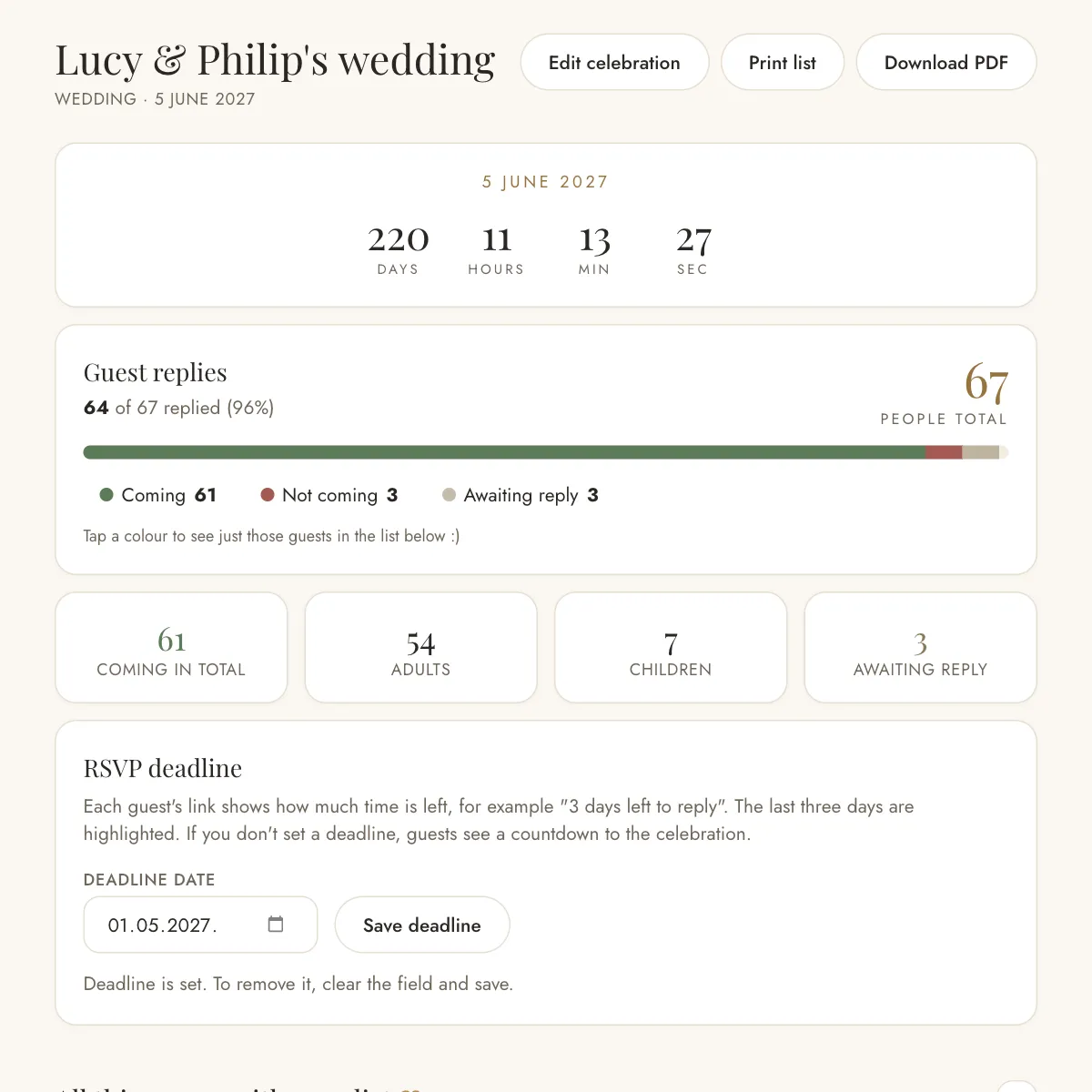
Our app does the same job. The difference is that guests RSVP themselves through the link you send them, you share the list with a link so everyone sees the same version, and the seating plan comes together by dragging guests around a drawing of your venue.
It's free, with no card and nothing to install, just like this template.
Before you download
- Does the spreadsheet open in Google Sheets and Numbers?
- Yes. The formulas, drop-down and colours work there too. If you're sharing it with your partner, Google Sheets is the simplest, because you both look at the same version.
- How many guests fit in the spreadsheet?
- Two hundred entries, and one entry can be a whole family, because adults and children are entered as numbers. That's enough even for a big wedding.
- Is there an Excel file for the budget and checklist too?
- The budget and checklist are PDFs, ready to print, and the budget is also in the app, where it adds up on its own. Excel is only for the guest list, because that's where a spreadsheet pays off most.
- Does the template ask for my email or a sign-up?
- No. Click and the file downloads. You only enter your email if you later want to keep your list in the app, because that's where your list has to be saved somewhere.
Everything else is in the planner
The guest list is one part of planning. The IDo wedding planner has 192 pages and takes you from the first ideas to what comes after the wedding. It is written in Croatian.